Product screens
What the workflow looks like in practice
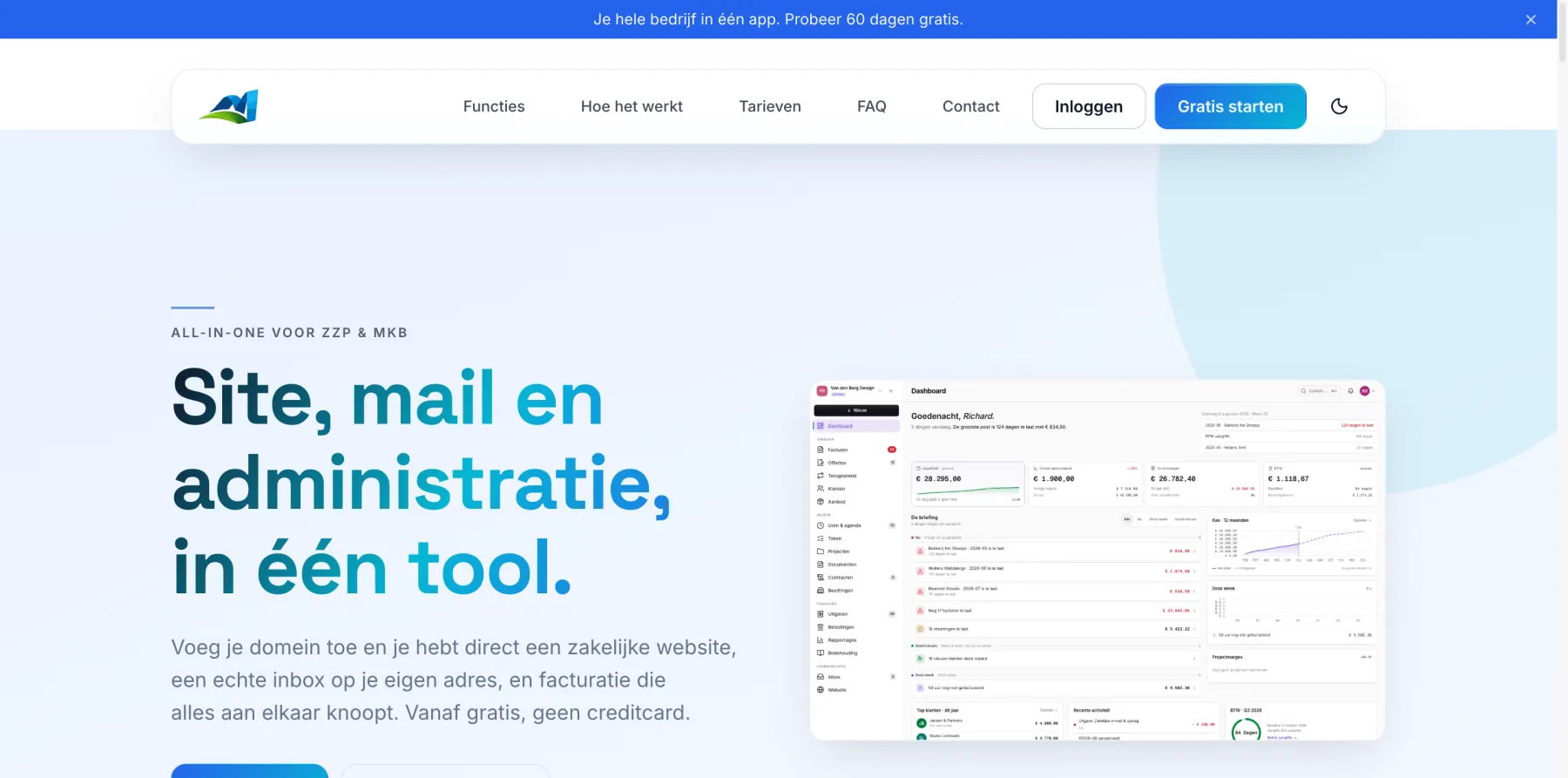
From your first invoice to monthly analytics, take a look at the screens you'll use every day.
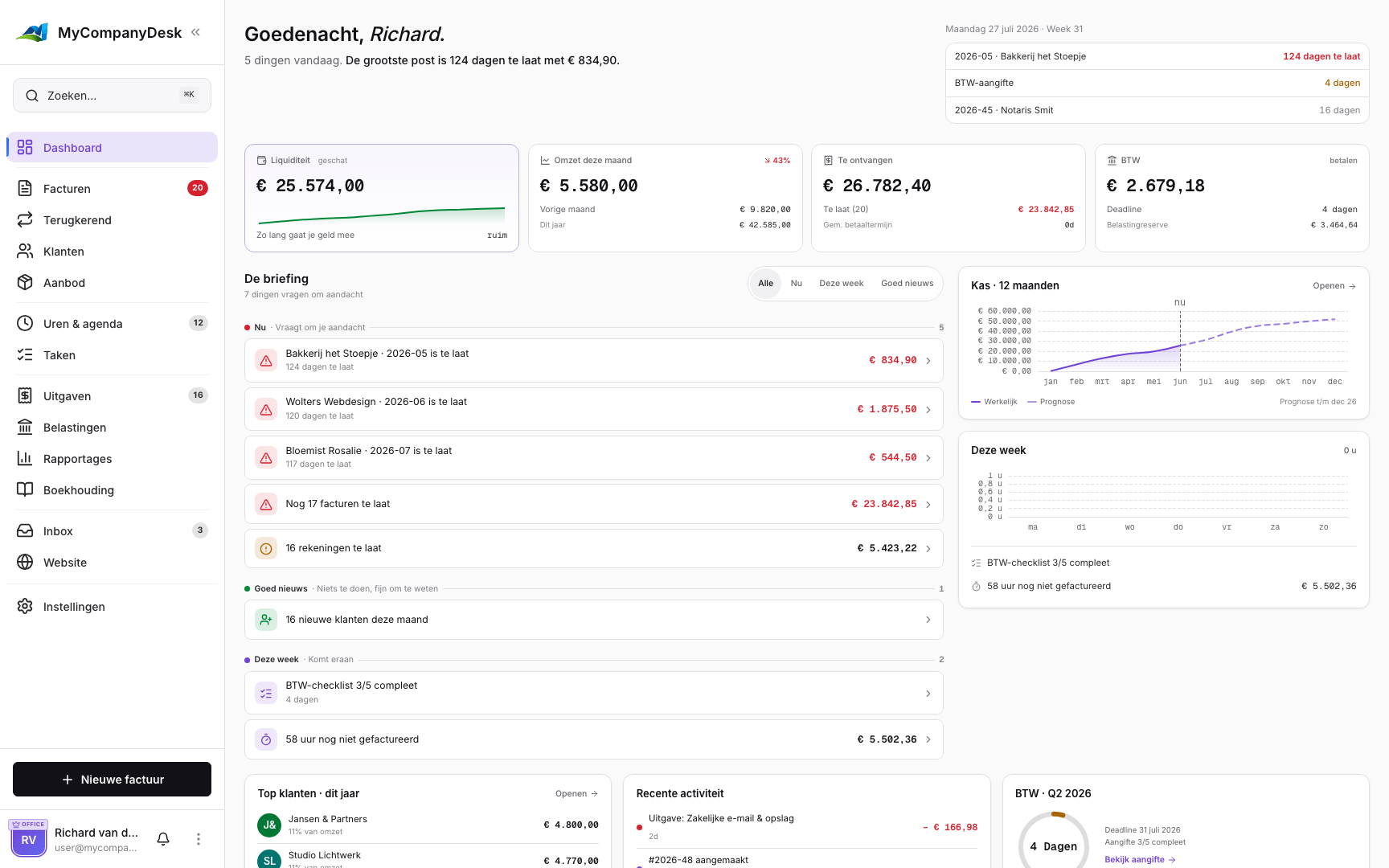
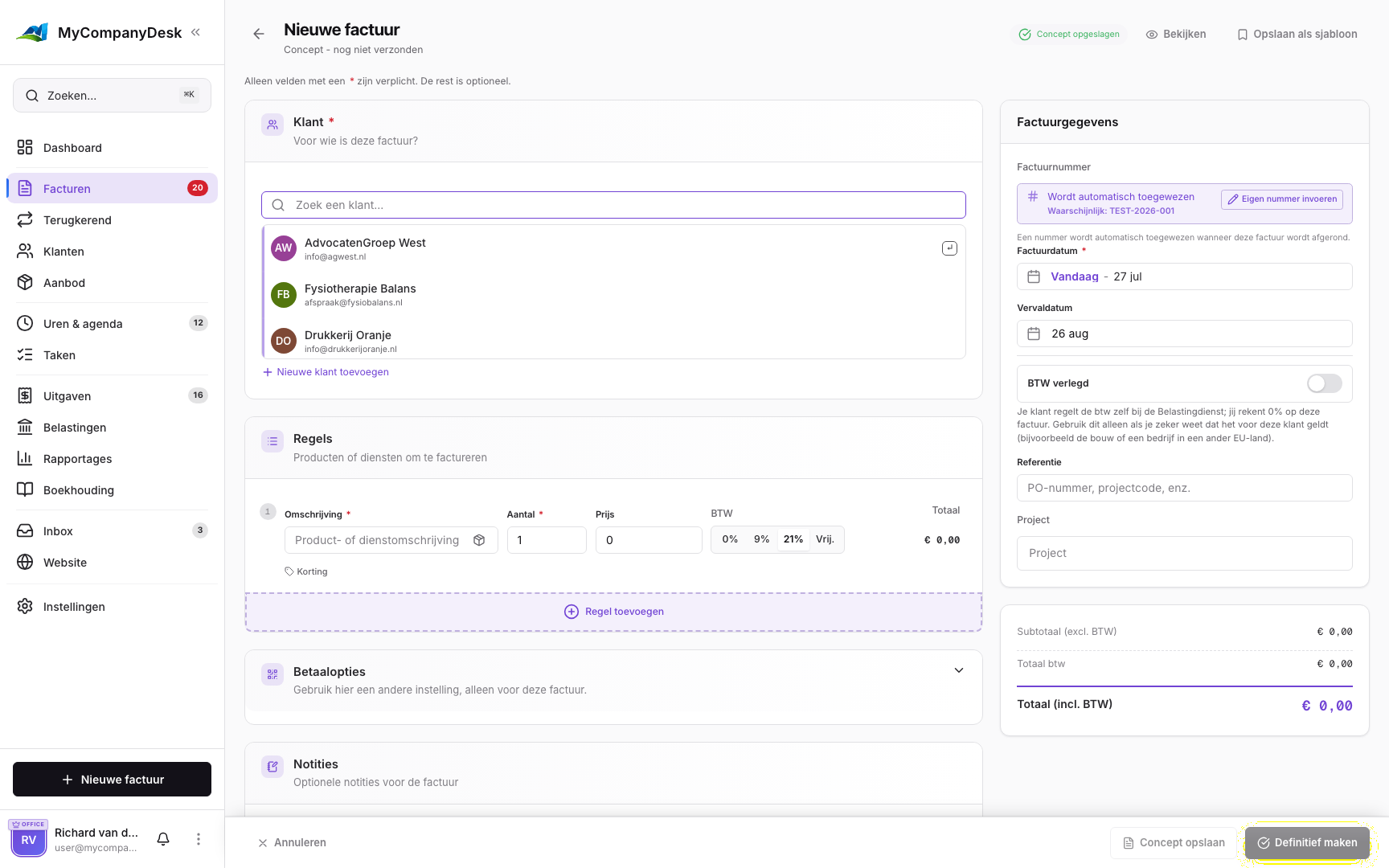
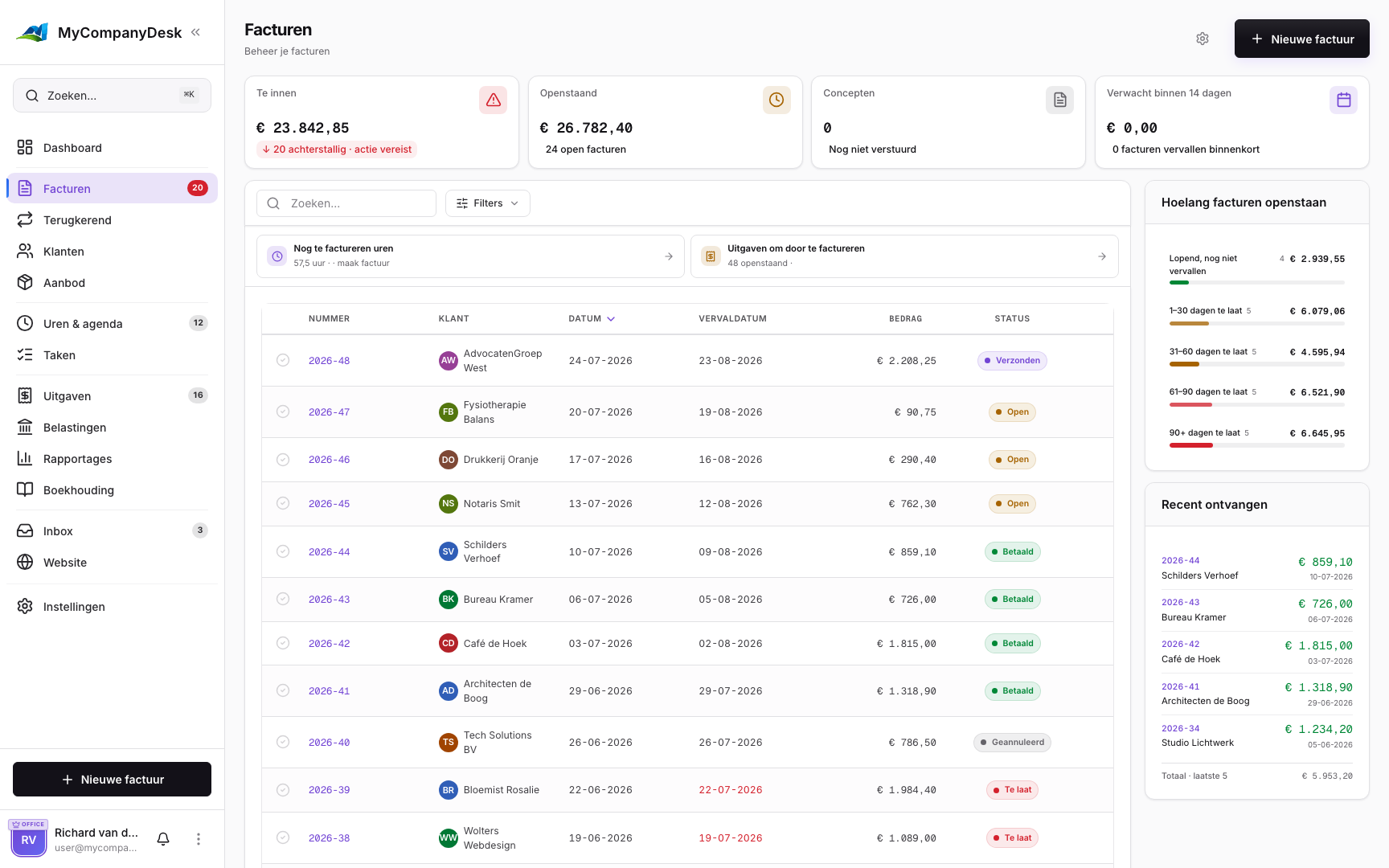
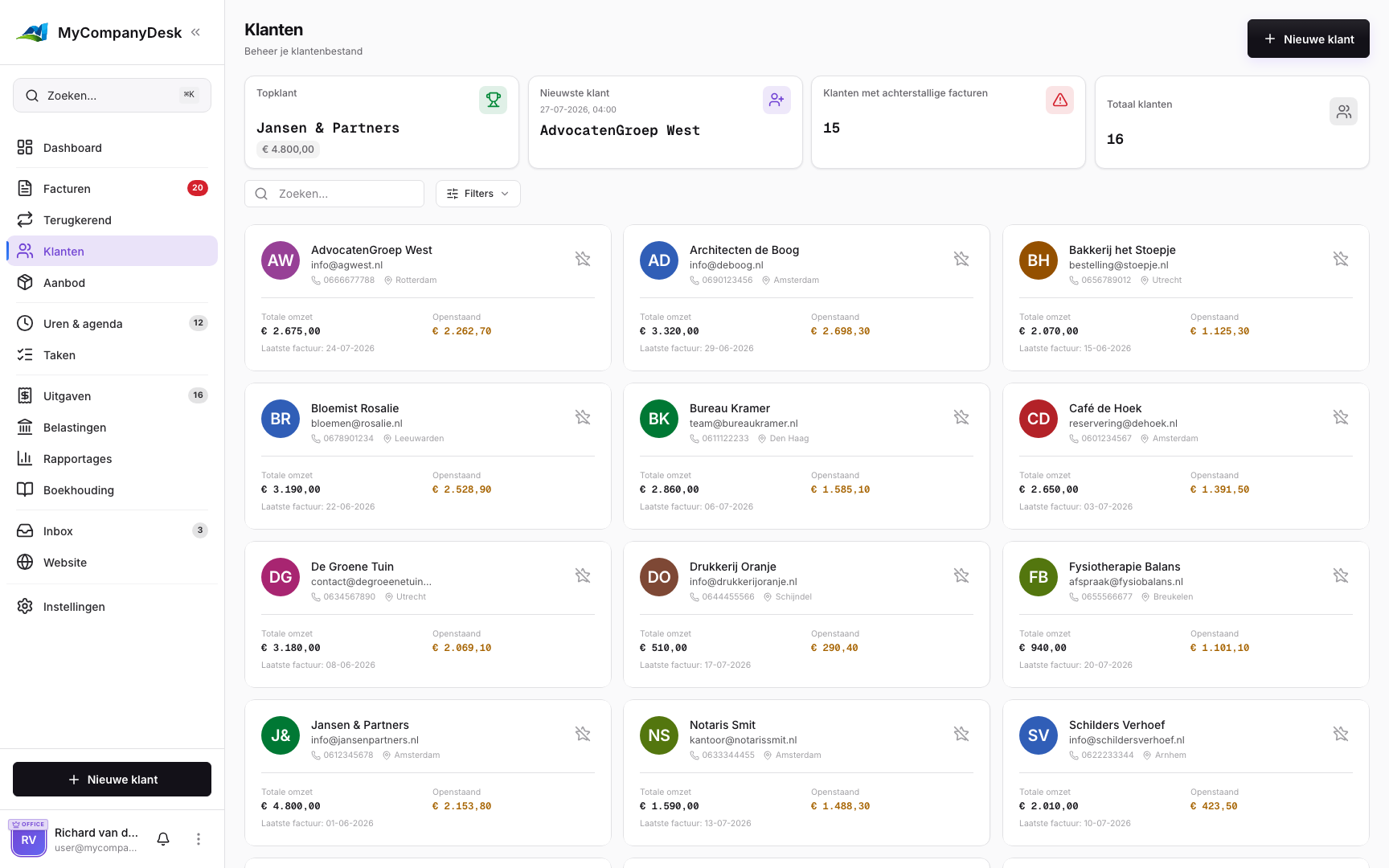
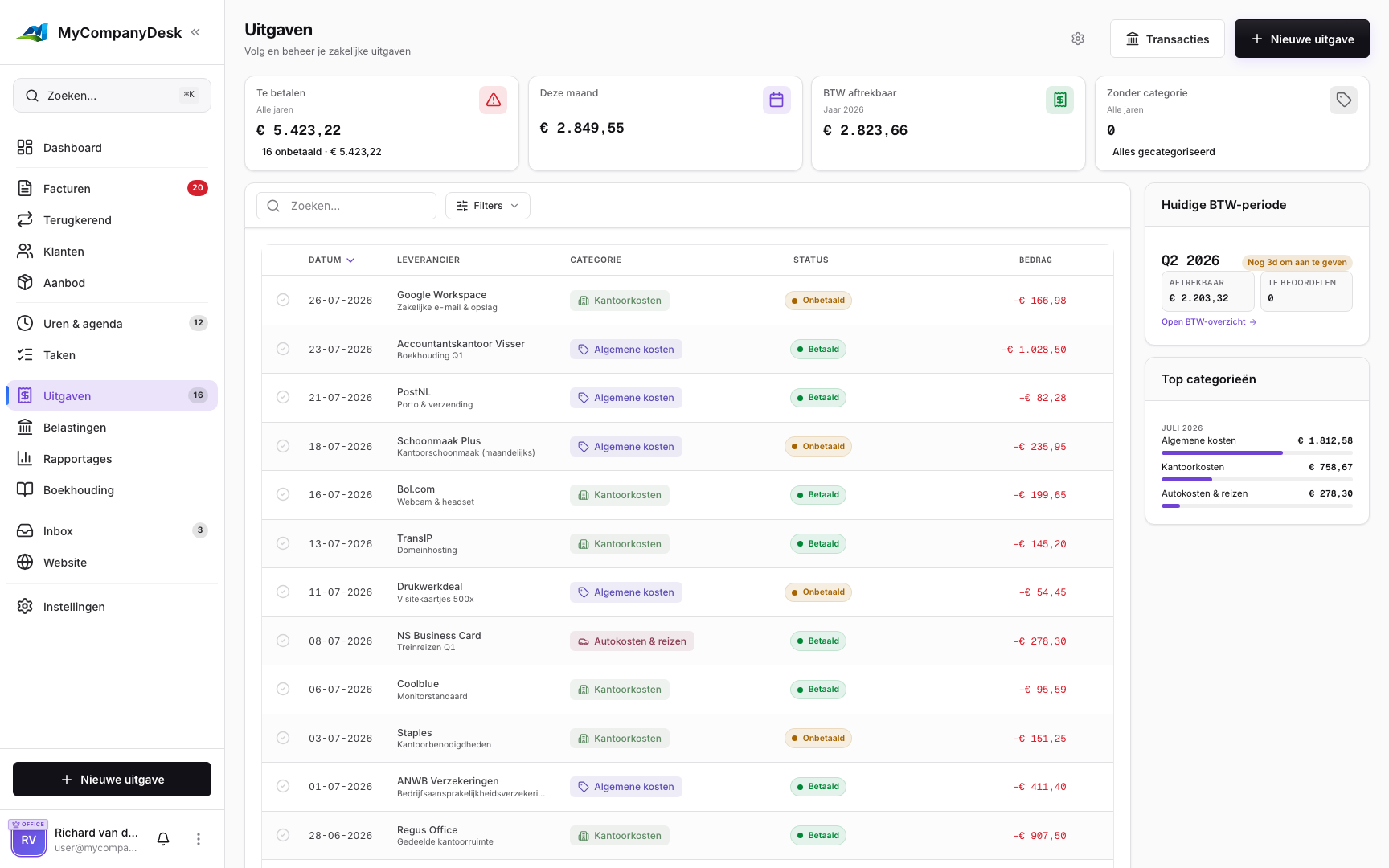
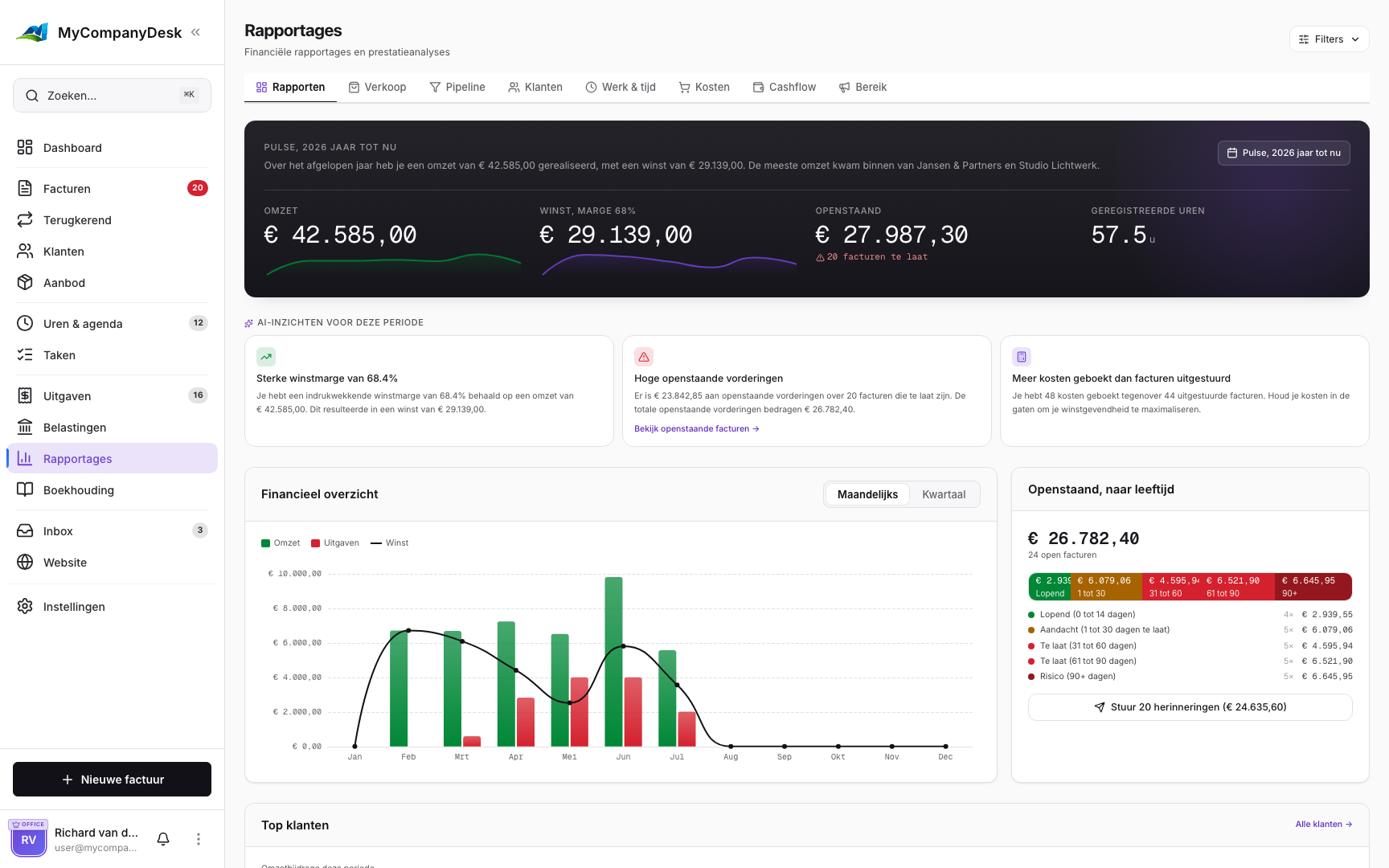
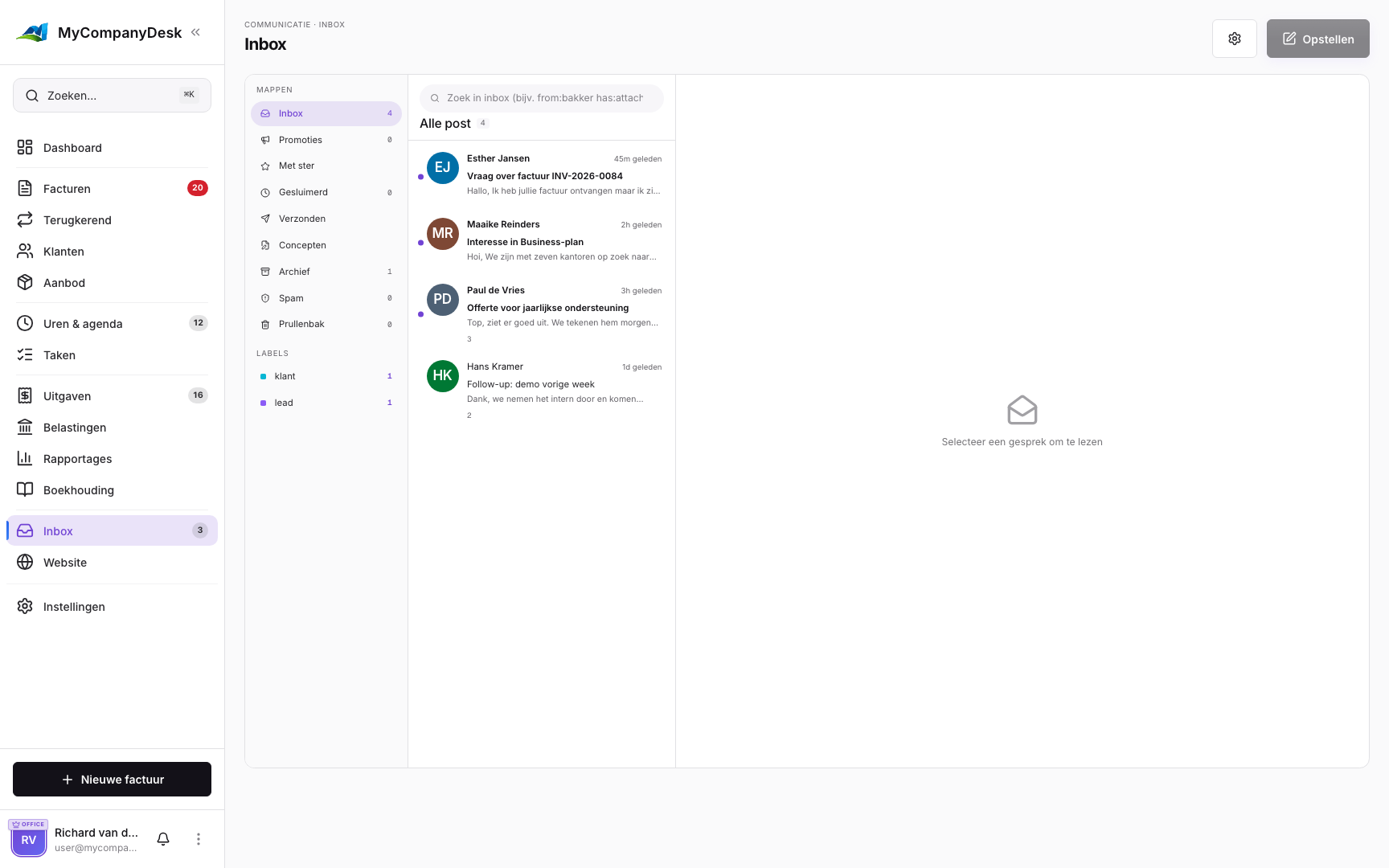
See per profession which screens you use and what your invoices, quotes and expenses look like. That way you can see up front how MyCompanyDesk works for your line of work.
MyCompanyDesk is made for businesses in the Netherlands: KVK, btw and the Belastingdienst are built in. The app, your invoices and emails are available in English, Dutch, German and French.
Whether you invoice by the hour, send monthly invoices or juggle multiple clients, MyCompanyDesk adapts to the way you work.
Log billable hours, set up recurring invoices for retainer clients and see project profitability in real time. From quote to payment, one smooth workflow.
Send your first invoice in minutes, not days. Scan receipts, send quotes that convert and always know what you're owed. Free to start.
Manage multiple clients, automate recurring invoicing, track expenses by category and export tax-ready reports. All the power, none of the bloat.
From your first invoice to monthly analytics, take a look at the screens you'll use every day.
This site was built in an afternoon with the built-in website builder. You can see it below, or open it in a new tab and click around yourself.
No complicated installation. No consultants needed. You set up your account in about fifteen minutes.
Create your account, add your company details and customize your first invoice template. All in 15 minutes.
Import your existing customers, set your VAT rates and upload your logo. Your branded invoices are ready to send.
Create your first invoice, send it to a client and receive your first payment. Turn on recurring invoicing and receipt scanning whenever you're ready.
Connect your domain, pick your mailboxes and send your first invoice. All in one place, free to start, upgrade whenever you like.
MyCompanyDesk is made for businesses in the Netherlands: KVK, btw and the Belastingdienst are built in. The app, your invoices and emails are available in English, Dutch, German and French.